
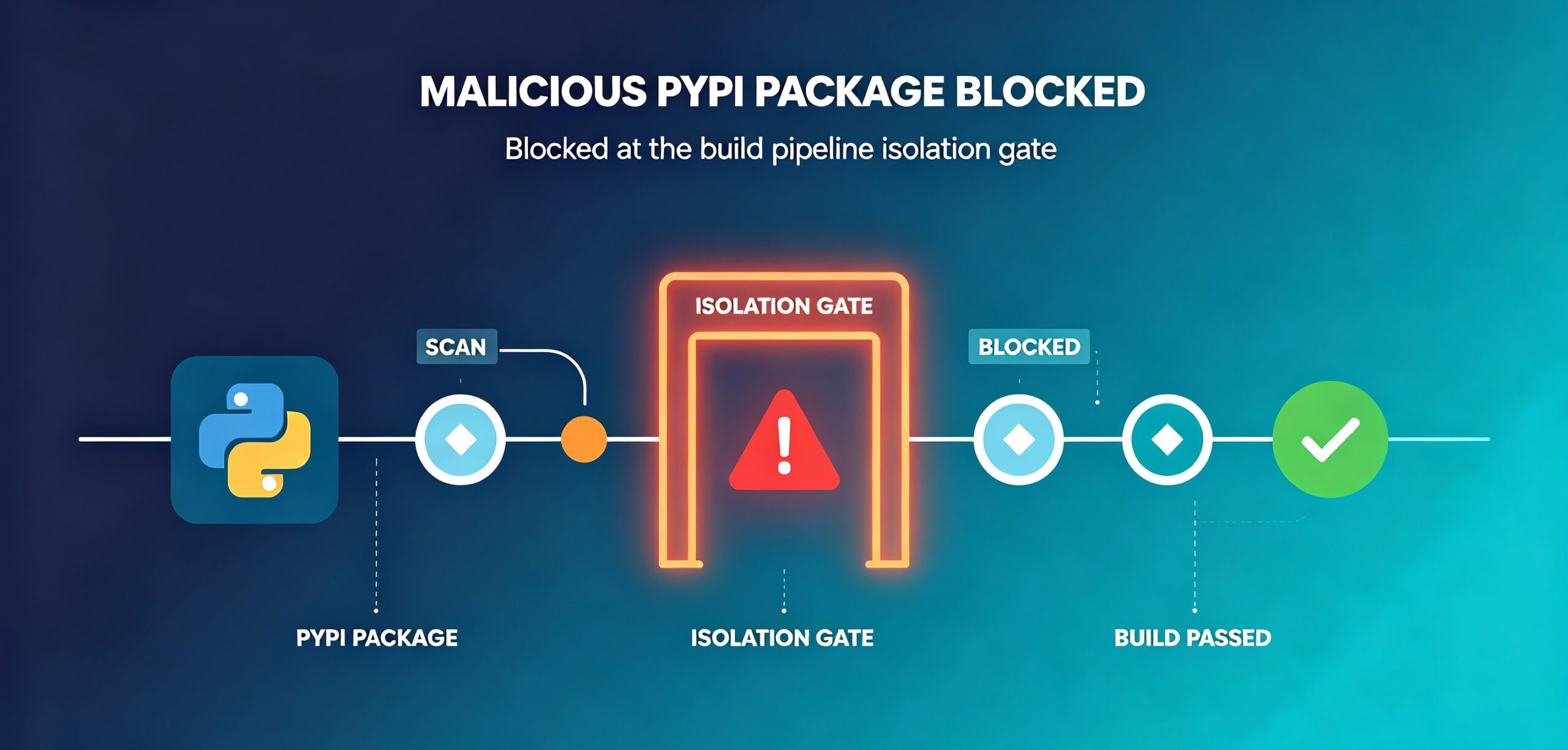
A malicious PyPI package can reach your build pipeline under a name you already trust. On November 17, 2026, two tampered releases of Microsoft’s agent-framework Python package appeared on PyPI. The incident shows why removing a bad dependency is only one part of the response.
What the malicious PyPI package put at risk
The GitHub security advisory names versions 1.26.1 and 1.26.2. PyPI no longer serves either release. However, copies can still exist in build caches, internal mirrors, or container images.
Socket’s analysis found code that could run when Python started, even if an application did not import the framework. The code sought credentials available to the process, including cloud and build credentials. That capability does not mean every affected installation lost secrets. Instead, teams need to check where the package ran and what that environment could access.
Check for the malicious PyPI package
First, look for both affected versions in dependency inventories and lockfiles. Then use build logs, artifact inventories, and image records to confirm what each build installed. A lockfile tells you what a build requested. It does not tell you what a particular runner executed.
Next, check whether Python started in any affected environment. Include test jobs, build stages, and developer workstations, not just production. Also, identify which credentials the process could read or request. Use identity logs and network records to assess signs of misuse. If records are incomplete, keep that uncertainty visible during triage. For each affected environment, record the install time, first known run, and identities in scope. That record gives responders a starting point for deciding what to revoke first.
Contain the incident before you rebuild
If the package may have run, isolate affected runners and hosts while preserving logs. Pause jobs that reuse suspect caches or images. Then revoke or rotate potentially exposed secrets from a clean system. Review and invalidate affected sessions where the provider supports it.
Finally, rebuild from a trusted base with a release you have verified. Do not rely on uninstalling the package alone. In addition, check that rebuilt jobs no longer pull suspect artifacts from internal mirrors or caches.
Make the next dependency alert easier to investigate
Pin dependencies, including indirect ones, and review dependency changes separately from feature code. Where practical, use pip’s hash-checking mode with hashes from artifacts you have approved. A hash confirms that a file matches an expected artifact. It does not prove the artifact is safe. Also, limit which secrets build jobs can access and prefer short-lived credentials where supported.
If your team has an artifact hash, use VirusSign Threat Search to look for existing intelligence without uploading the file. However, a missing result does not establish safety. The best starting point remains your own evidence: what installed, what ran, and what it could reach.